
Working as a frontend engineer in the crypto industry comes with a unique set of challenges. Beyond typical UI concerns, we constantly deal with security constraints, real-time data, and performance issues across a wide range of devices — from low-end phones to high-end flagships.
One of the biggest differences compared to traditional apps is the nature of the data itself. Crypto prices change rapidly, often multiple times per second. If we are not careful, how we handle these updates can easily degrade app performance, especially on low-end Android devices.
From my experience, performance issues are rarely reported by iOS users. Most complaints come from Android users, usually tied to specific screens that render frequent real-time updates.
So what can we do to mitigate this?
1. Control Update Frequency with Batching
The first thing to evaluate is how often your data actually changes and how often the UI needs to react to it.
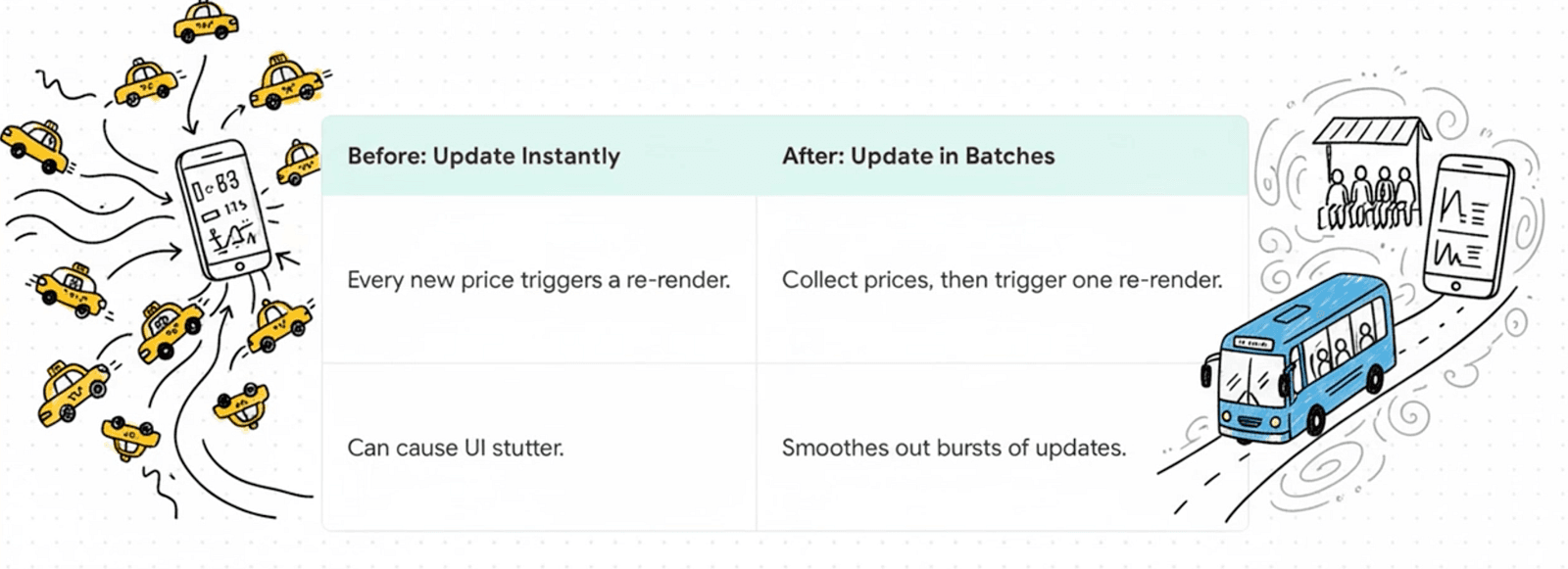
Instead of updating the store every time new data arrives from a WebSocket, apply batching. Collect updates over a short interval and apply them in a single update cycle. This significantly reduces unnecessary re-renders and state updates, especially when prices update aggressively.
Batching helps smooth out bursts of updates and gives the UI a predictable update cadence, which is critical for maintaining responsiveness on lower-end devices.
2. Update Only What Matters
Not all data fields are equally important.
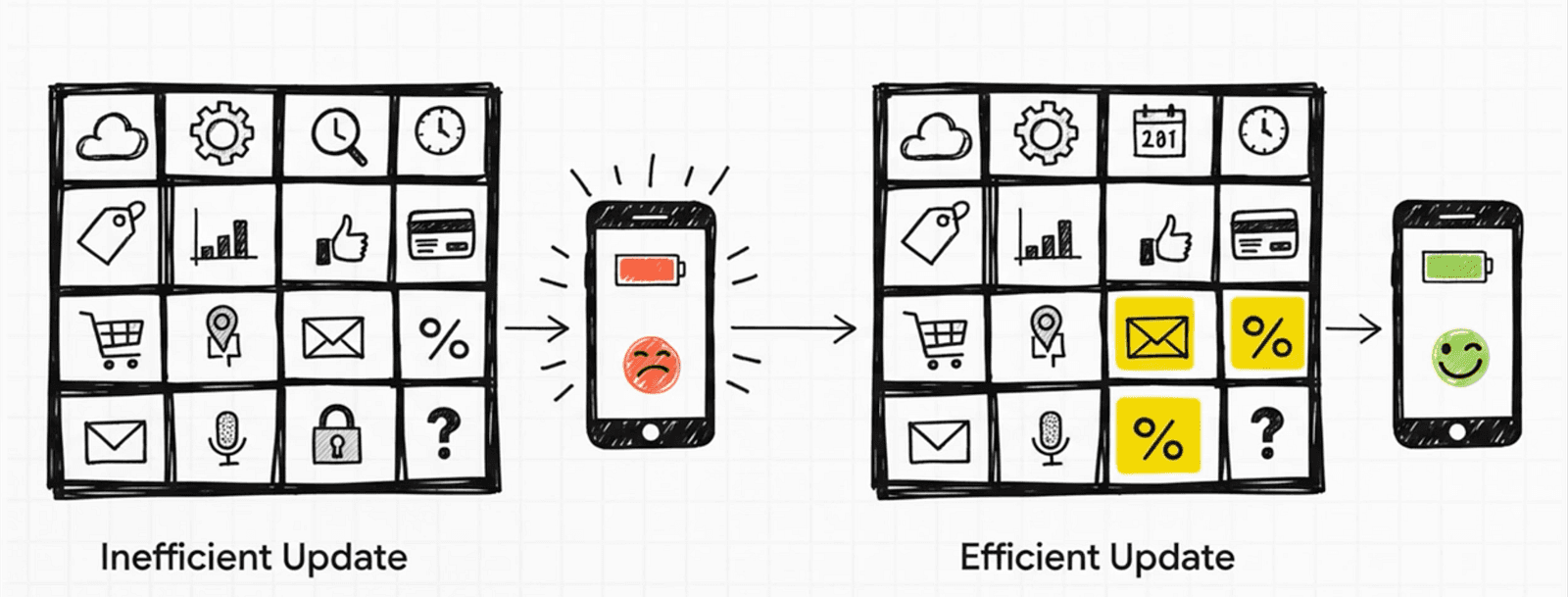
Identify critical fields such as price, volume, or percentage change. If a WebSocket update does not affect these key fields, there is often no reason to push an update to the store. Skipping non-essential updates helps reduce CPU usage and keeps the UI responsive.
In real-time systems, blindly propagating every incoming update is one of the fastest ways to introduce performance bottlenecks.
3. Normalize and Preprocess Data Before Rendering
Do as much work as possible before data reaches the UI layer.
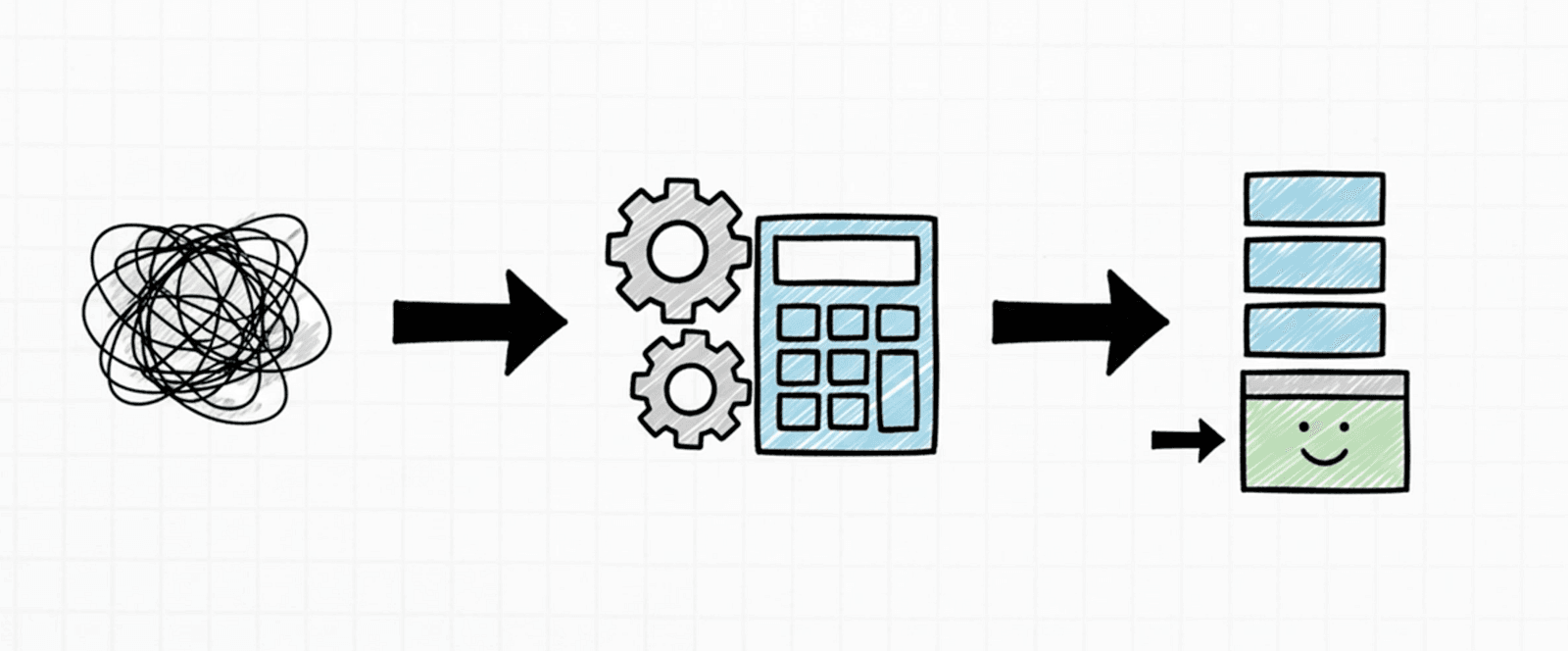
Normalize incoming data and pre-format values — for example, number formatting, rounding, or precision handling — before passing them to the UI. This reduces the workload during rendering and prevents repeated formatting logic from running on every render cycle.
The UI should focus on rendering, not data transformation.
4. Follow Platform-Appropriate Rendering Best Practices
This sounds obvious, but it's often overlooked.
When rendering lists, use the right list component for your use case. Enable virtualization, avoid rendering off-screen items, and lazily load heavy screens when possible. On Android especially, inefficient list rendering can quickly become a performance bottleneck.
A single poorly configured list can negate all other performance optimizations.
FlatList rendering and scroll performance (React Native)
5. Use Atomic Rendering with Zustand
State management plays a major role in rendering performance, especially in real-time apps.
A common mistake when using global state is subscribing components to more data than they actually need. When unrelated state changes, these components re-render unnecessarily.
With Zustand, you can achieve atomic rendering by subscribing components only to the exact slice of state they depend on. Instead of subscribing to an entire market object, a price row component should subscribe only to the price field. This ensures the component re-renders only when that specific value changes.
When combined with batching and selective updates, atomic rendering significantly reduces render frequency and CPU usage — particularly on Android devices under high-frequency updates.
// marketStore.ts
type Market = {
  price: number;
  volume: number;
};

type MarketState = {
  markets: Record<string, Market>;
};

export const useMarketStore = create<MarketState>(() => ({
  markets: {},
}));

// ❌ Bad: subscribes to all symbols
const markets = useMarketStore((state) => state.markets);
const price = markets[symbol].price;

// ✅ Good: atomic subscription per symbol + field
const price = useMarketStore((state) => state.markets[symbol]?.price);
Real-time crypto apps are inherently demanding. However, with careful control over update frequency, selective state updates, proper preprocessing, platform-aware rendering, and atomic subscriptions, it's possible to deliver a smooth and reliable experience — even on low-end devices.
Performance is not a single optimization. It's the result of many small, deliberate decisions made throughout the frontend architecture.